Forge CLI
Deployment Script
After linking your project directory with Laravel Forge, your forge.yml file will contain the current deployment script that you have configured on Laravel Forge.
You can modify this script, by manually editing the forge.yml file.
production:
  id: 1
  name: my-site
  server: 1
  quick-deploy: false
  deployment:
    - 'cd /home/forge/my-site'
    - 'git pull origin master'
    - '$FORGE_COMPOSER install --no-interaction --prefer-dist --optimize-autoloader'
    - ''
    - '( flock -w 10 9 || exit 1'
    - '    echo ''Restarting FPM...''; sudo -S service $FORGE_PHP_FPM reload ) 9>/tmp/fpmlock'
    - ''
    - 'if [ -f artisan ]; then'
    - '    $FORGE_PHP artisan migrate --force'
    - fi
  webhooks:
  daemons:
In order to apply the changed deployment script, you can either push the configuration file to Forge or manually trigger a new deployment.
Laravel Herd
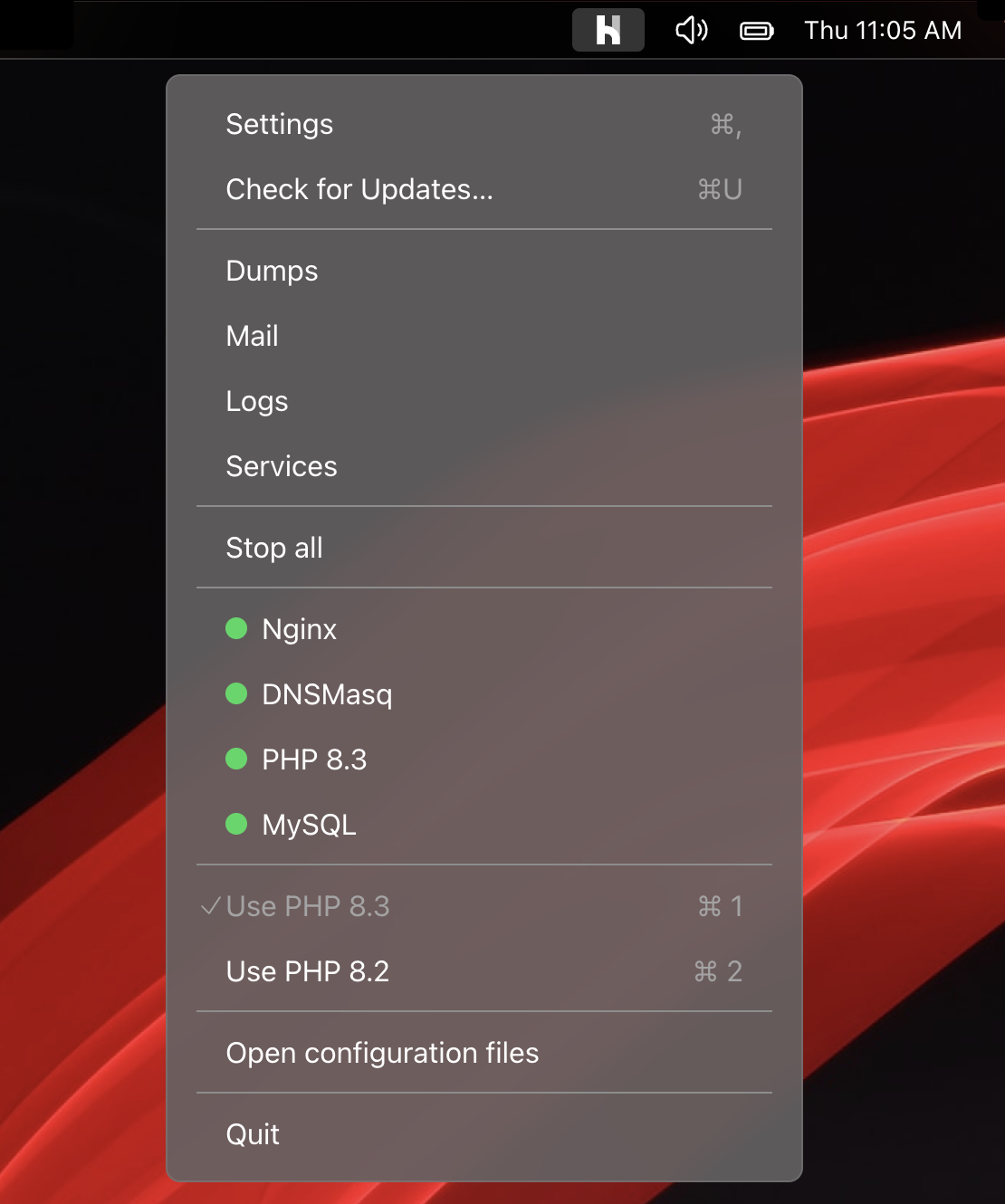
Herd is a blazing fast, native Laravel and PHP development environment for macOS. It includes everything you need to get started with Laravel development, including PHP and nginx. Once you install Herd, you're ready to start developing with Laravel.
Herd is available for macOS and Windows.
Learn more