Fathom Notifier
Configure your Fathom Analytics credentials
The app makes use of our unofficial Fathom Analytics API, which requires you to use email/password authentication.
Copy the .env.example file as .env and configure your Fathom Analytics email and password.
FATHOM_EMAIL=
FATHOM_PASSWORD=
SLACK_URL=
NOTIFY_DAILY_AT=
Getting notified#
By default, the notifier makes use of a Slack notification. To configure your incoming Slack Webhook, add it to your .env file.
If you want to make use of any other available Laravel Notification channel, please adjust the notification to suit your needs.
Configuring your scheduler#
To get notified on a daily basis, you have to add a cronjob on your server that runs the Fathom notifier schedule. Add the following entry to your cron file:
* * * * * php /path-to-your-project/fathom schedule:run >> /dev/null 2>&1
The time at which you want to be notified is set to 09:00 AM by default, but can be modified in your .env file as well.
Laravel Herd
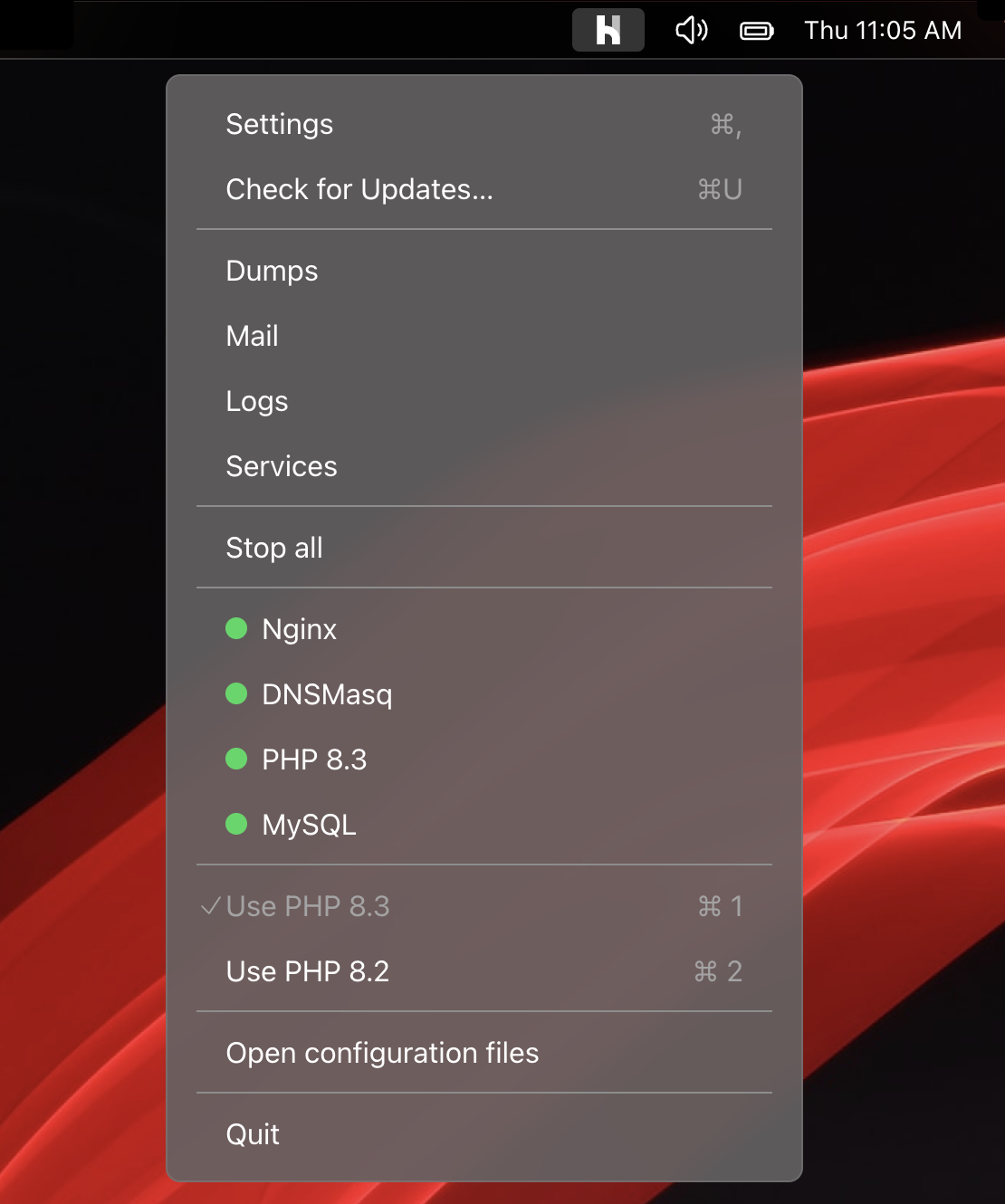
Herd is a blazing fast, native Laravel and PHP development environment for macOS. It includes everything you need to get started with Laravel development, including PHP and nginx. Once you install Herd, you're ready to start developing with Laravel.
Herd is available for macOS and Windows.
Learn more